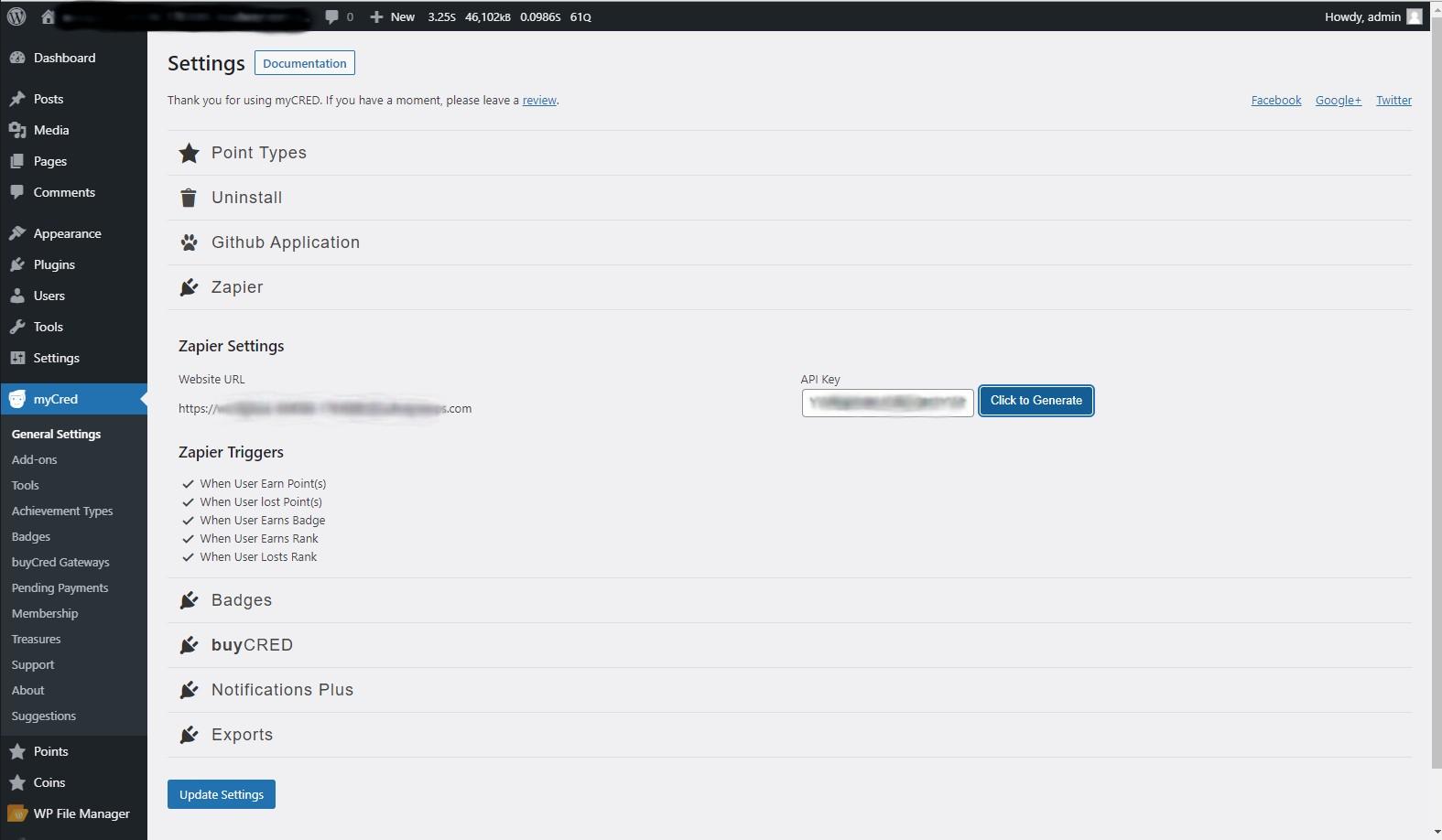
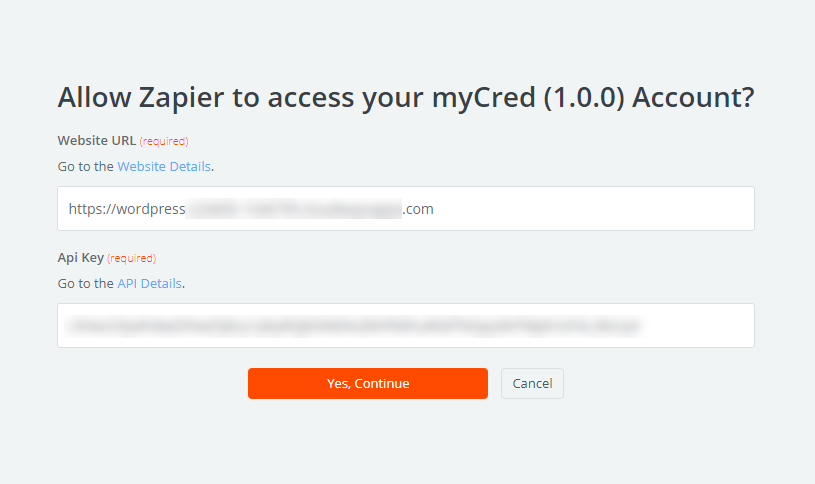
myCred-Zapier lets you connect custom Zapier hooks with myCred. Automate your repetitive processes and be more productive, instantly send user achievement information to third-party tools like Google, Slack, Mailchimp, Dropbox and more via Zapier. With the help of custom webhooks, data will be sent to Zapier when an achievement is being earned by the user.

Features
Allows you to install and use this plugin on a single website or multisite installation.

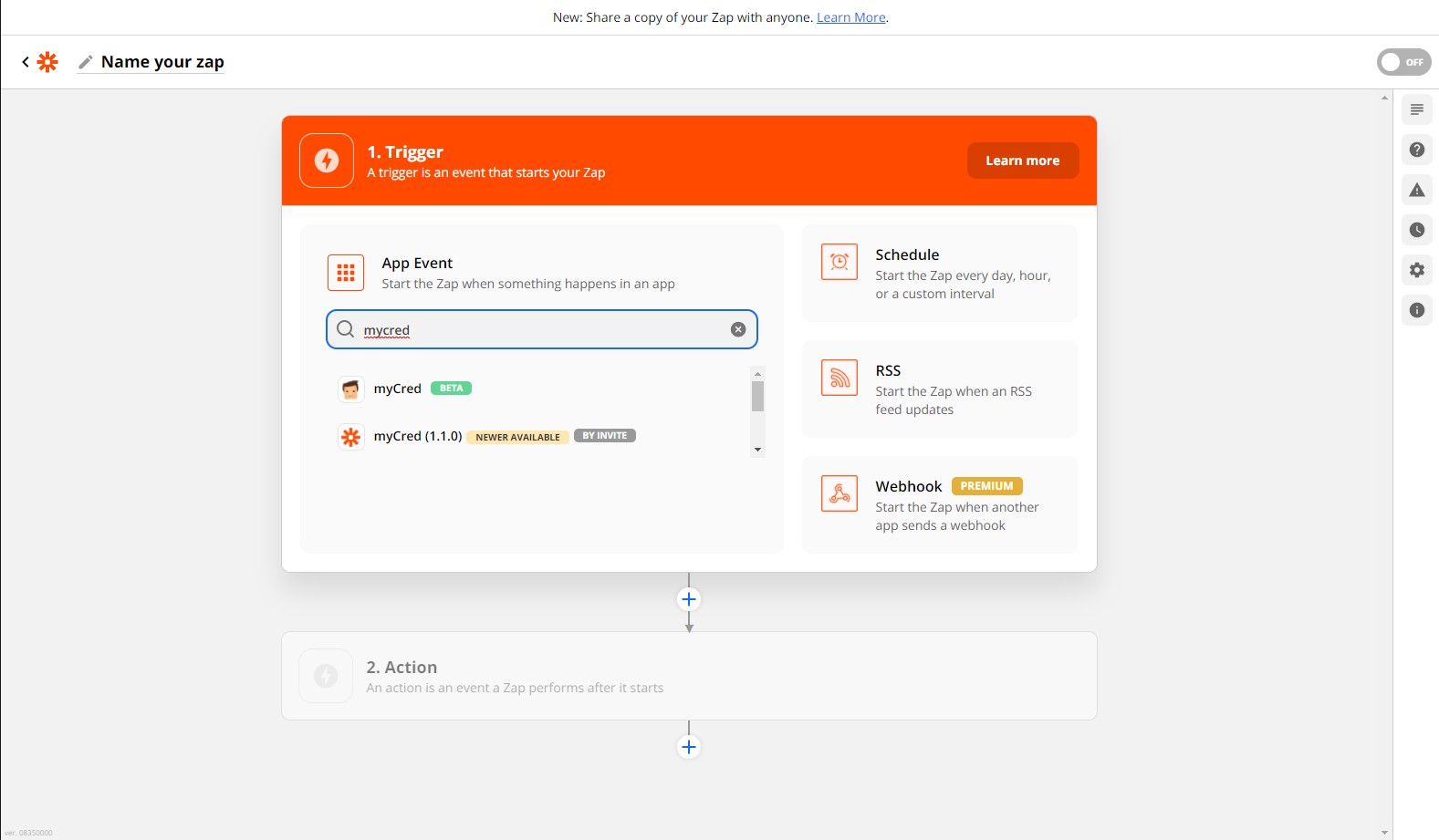
Connect to Zapier Services
Connect hundreds of Zapier services with myCred in few minutes.

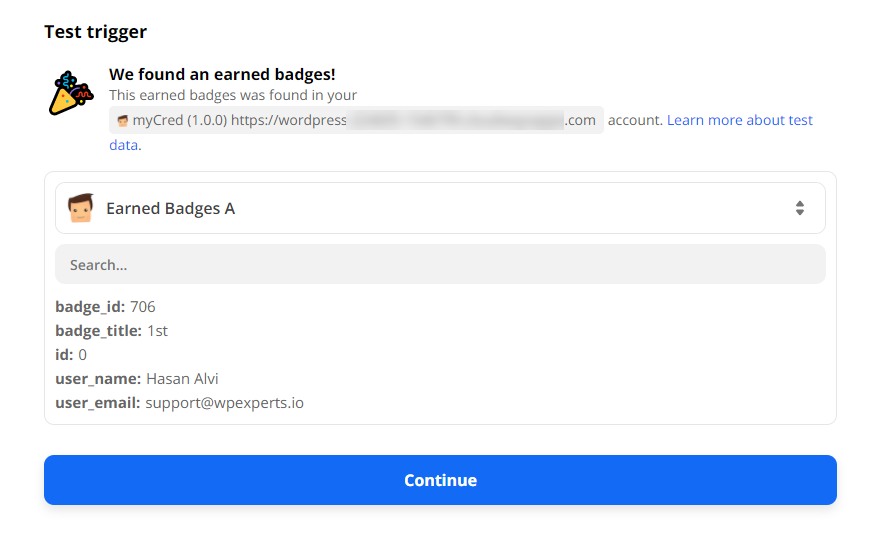
Test & Preview
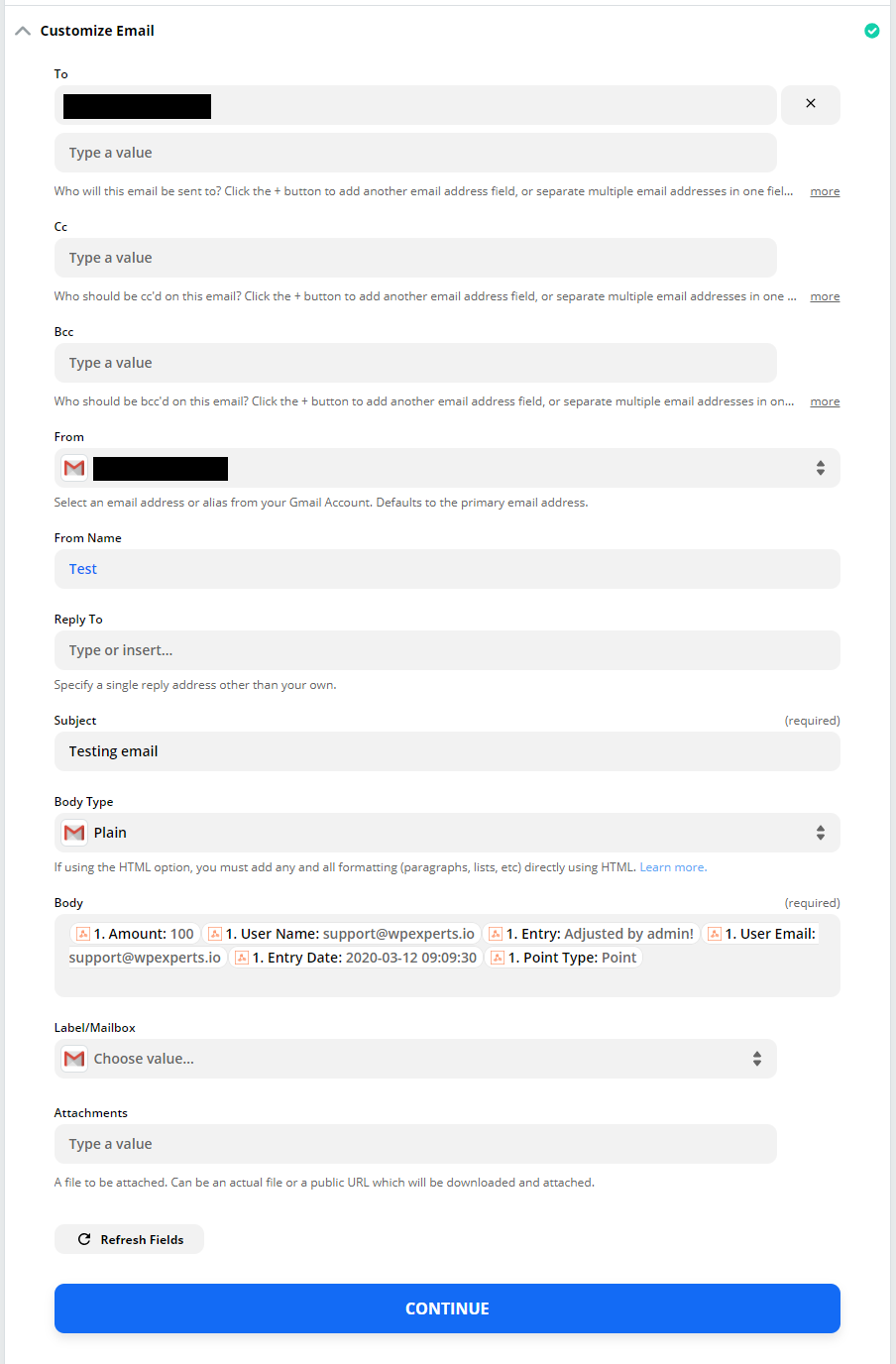
Test & preview your ZAPS before going live.

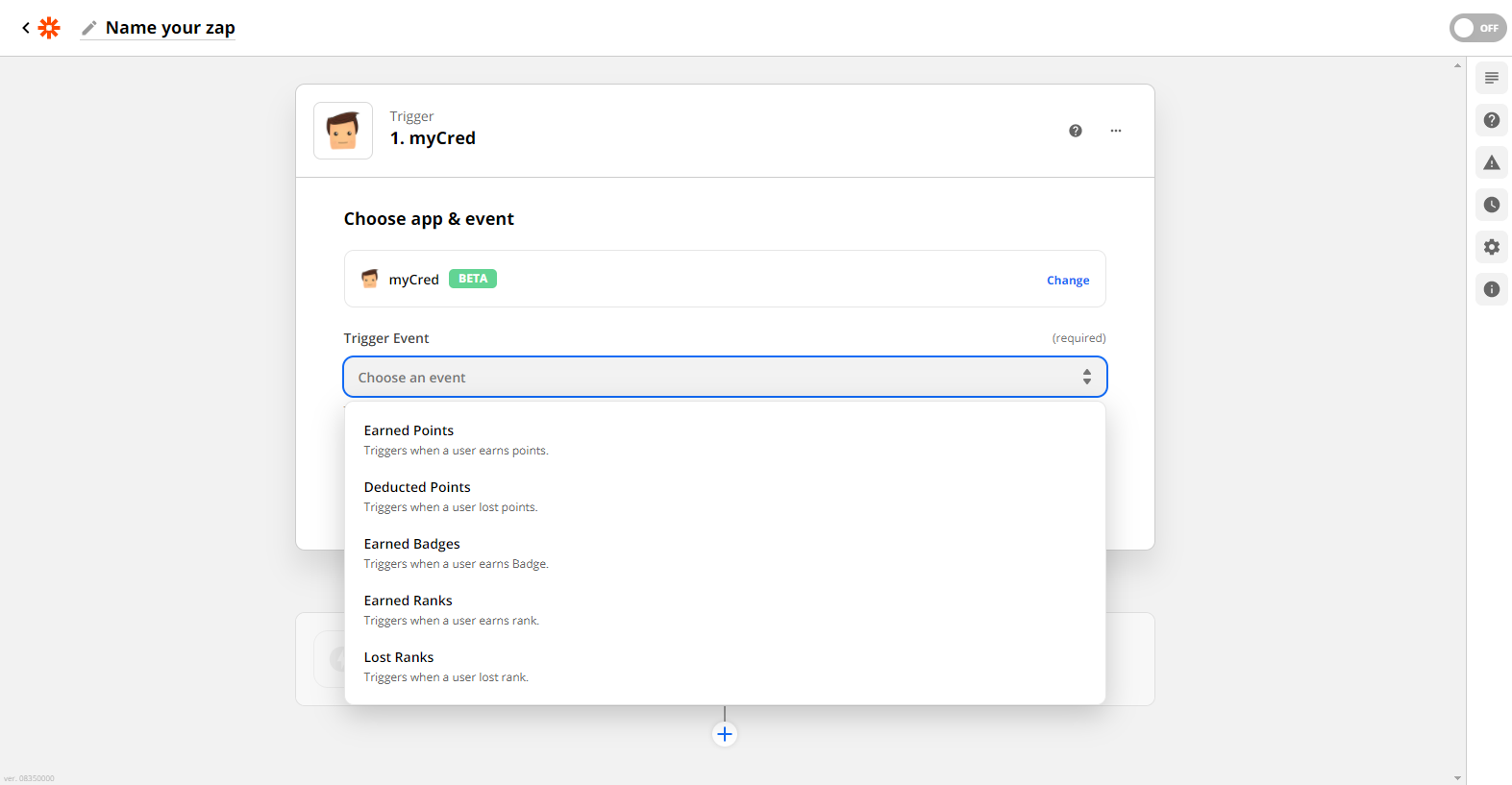
Send Points Data
Automatically sent users data to Zapier on earned Points.

Deduct Points
Automatically sent users data to Zapier on deducting Points.

Earn Badges
Automatically sent users data to Zapier on earned Badges.

Earn Ranks
Automatically sent users data to Zapier on earned Ranks.

Deduct Ranks
Automatically sent users data to Zapier on deducting Ranks.
myCred-Zapier lets you connect custom Zapier hooks with myCred. Automate your repetitive processes and be more productive, instantly send user achievement information to third-party tools like Google, Slack, Mailchimp, Dropbox and more via Zapier. With the help of custom webhooks, data will be sent to Zapier when an achievement is being earned by the user.
Installation Guide
Please follow the below instructions step by step.
- Download the zip file from your mycred.me account > My Downloads
- Go to the WordPress Admin Dashboard > Plugins
- Once you are on the plugins page you can see the “Add New” button in the top left corner.
- Click the “Add New” button and upload the zip file of a plugin that you’ve downloaded from mycred.me account.
Once the plugin installed, click the “Activate” button.
To view the documentation
click here
Please follow the below instructions step by step.
- Download the zip file from your mycred.me account > My Downloads
- Go to the WordPress Admin Dashboard > Plugins
- Once you are on the plugins page you can see the “Add New” button in the top left corner.
- Click the “Add New” button and upload the zip file of a plugin that you’ve downloaded from mycred.me account.